Sketch In 2D.Print In 3D.
Helix Slicer starts with a sketch and ends with a file your printer can run. In between, it generates the path in 3D from parameters you set.
How it works
Three steps, in the order you do them.
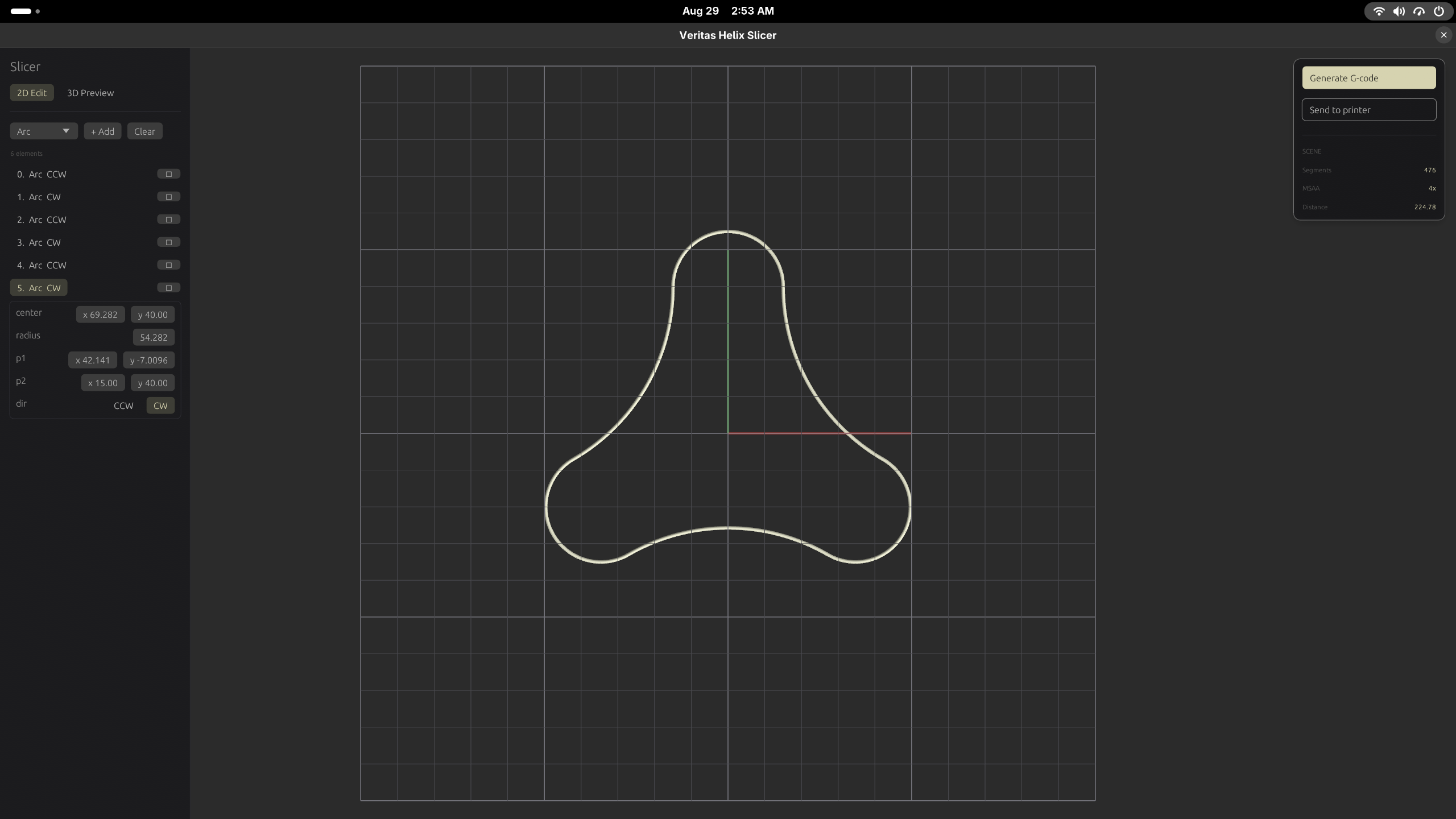
Start in the sketch editor
Draw in 2D. A file holds more than one sketch, so you are not limited to a single profile.
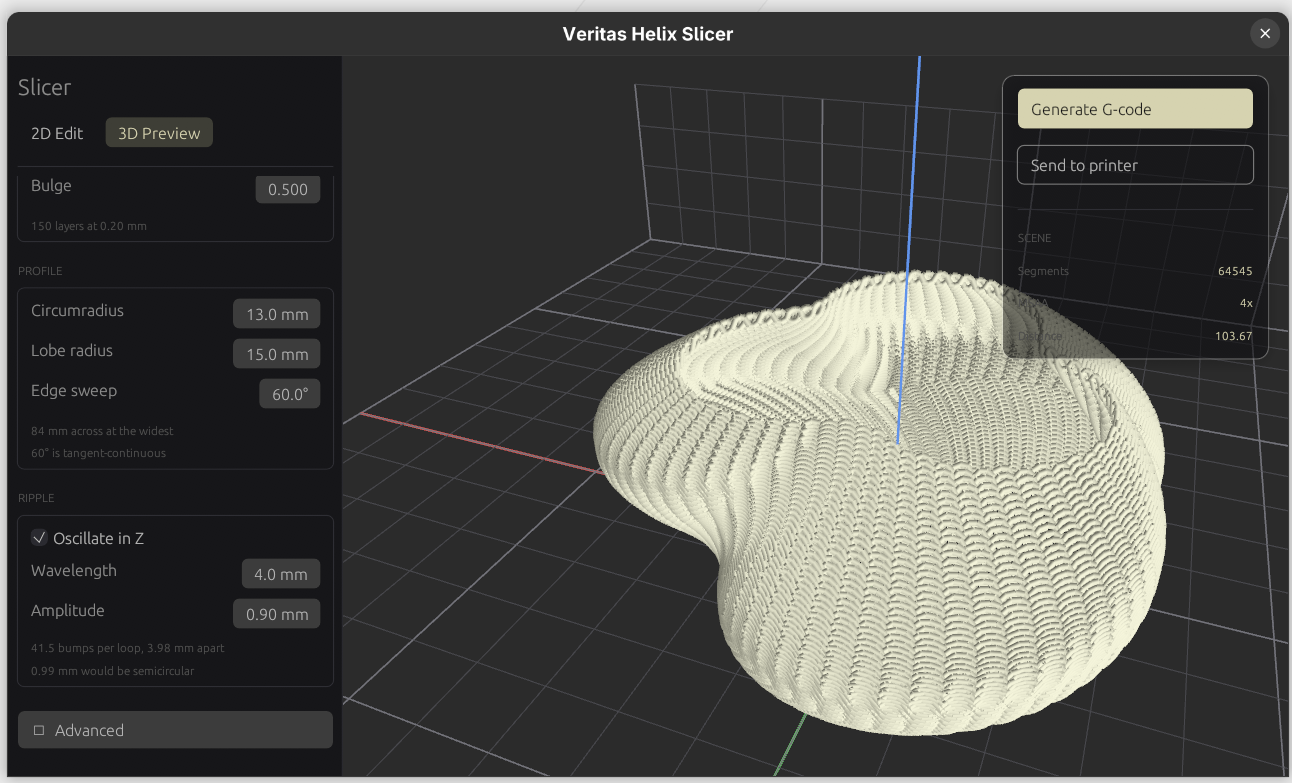
Generate the path in 3D
Helix builds a continuous path from the sketches. You shape it with parameters — wavelength, amplitude — and with mathematical functions you supply.
Export to the printer
Send the finished path to your machine and print it. Printer support is limited for now.
Printer support
Export works with a limited set of printers today, and that list is the thing I am extending first.
If you want Helix and your machine is not covered yet, say which one you run when you ask for access. That is how the list gets ordered.
Early access
Builds go to a small group of testers first. Leave an email and I will tell you when there is one ready.
Request early access